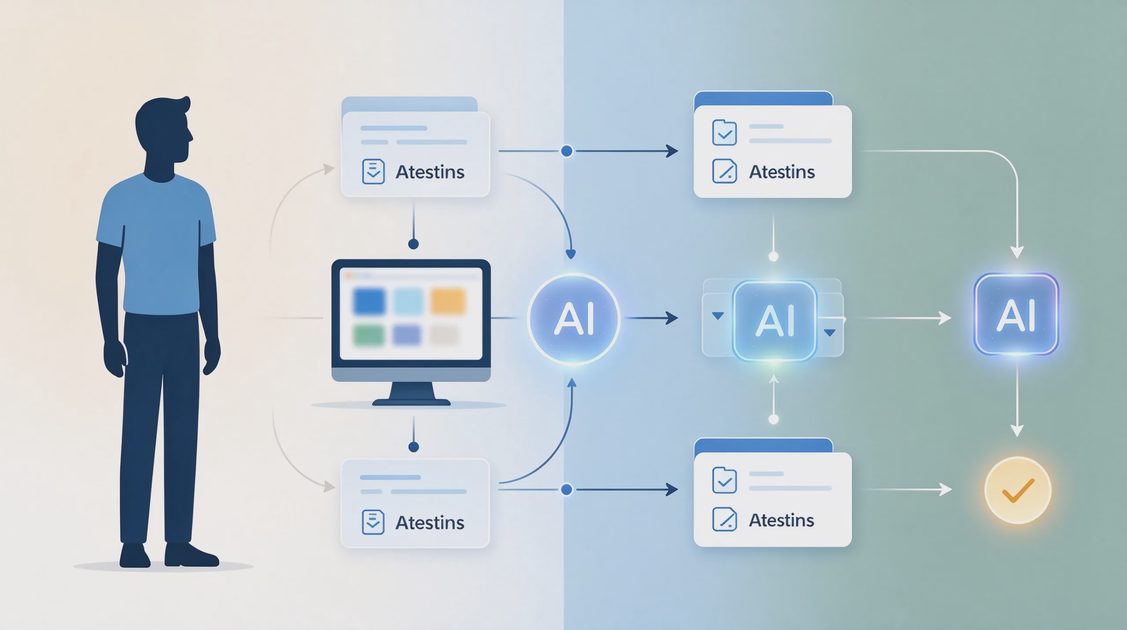
When someone first becomes an independent consultant, the urge to automate arrives quickly. There is a sense that a “real” practice should have forms that flow into databases, AI summaries that appear automatically, and status updates that send themselves. Most of those early systems are abandoned within weeks because they were built for a volume and stability that do not yet exist.
This article describes a different starting point: the single smallest automation that reliably reduces friction for a new independent consultant, the exact boundaries that keep it safe, and the signals that indicate it is time to stop expanding rather than keep adding pieces.
Why Early Automation Usually Fails
New consultants face a particular set of conditions that make ambitious automation fragile.
Volume Is Still Low and Irregular
In the first six to twelve months most independent consultants handle a modest number of serious inquiries. An automation that saves two minutes per lead produces almost no net gain once setup and occasional troubleshooting are counted. Low volume favors simple manual processes with one carefully chosen automated assist.
Processes Are Still Changing
Service offerings, pricing, qualification criteria, and proposal structures evolve rapidly at the beginning. Every change to an automated sequence carries a risk of breakage. Systems built before the process has stabilized become liabilities rather than assets.
Attention Is Scarce
A new practice requires simultaneous attention to delivery, marketing, and administration. Any system that demands ongoing monitoring or frequent repair competes with higher-leverage work. The first automation must therefore be almost invisible when it is working and easy to bypass when it is not.
Defining the Smallest Useful Automation
The smallest useful automation for most new independent consultants sits at one specific point in intake: turning a completed discovery-call note into a cleanly structured working document.
Why This Step and Not Others
Qualification decisions still require human judgment and should remain manual. Proposal scope must stay under human control. Project-record creation involves decisions about filing and naming that are still evolving. The narrow step of reorganizing raw notes under consistent headings is repetitive, low-judgment, and immediately useful for every serious lead. Automating only that step produces a visible time saving without locking the rest of the intake into rigid tooling.
What the Automation Actually Does
The consultant pastes cleaned raw notes into a single, well-bounded prompt. The automation returns the same content organized under fixed headings—Current Situation, Desired Outcomes, Constraints, Open Questions, Explicit Commitments—while under strict instructions not to invent or expand. The consultant then reviews the result side by side with the original notes. That is the entire automated contribution.
What the Automation Deliberately Does Not Do
It does not receive the original un-cleaned notes. It does not decide fit or scope. It does not create the proposal. It does not file the project record. It does not send anything to the client. Each of those exclusions keeps the system small and the risk contained.
Implementing the Automation Safely
Because the automation touches client information, even in cleaned form, the implementation must include clear privacy and accuracy controls.
Prepare a Safe Working Copy First
Before any text reaches the automation, create a working copy of the notes that has already removed or generalized sensitive details. Budget figures, personal information, and proprietary client material stay in the secure client file. Only the safe working copy is used for the automated reorganization. This habit protects confidentiality from the first day.
Use a Fixed, Restrictive Prompt
The prompt should name the exact headings, forbid invention, and require the tool to flag any section that appears incomplete. Changing the prompt for each use reintroduces inconsistency and makes later debugging harder. A single stable prompt is easier to trust and easier to improve when needed.
Require Side-by-Side Human Review
No cleaned note becomes part of the project record until the consultant has compared it with the safe working copy and corrected any drift. The review usually takes only a few minutes and is the primary safeguard against silent alteration of meaning.
Knowing When to Stop Expanding
The most common mistake after a successful first automation is immediate expansion. The following signals indicate that further automation should wait.
The Current Step Is Not Yet Boring
If the reorganization step still feels novel or still requires frequent prompt adjustment, it is not yet stable enough to build upon. Wait until the step has become routine and almost unremarkable before considering the next piece.
Manual Steps Still Reveal Useful Friction
While you are still learning which qualification questions predict good fit, or which proposal structures reduce later scope discussions, the friction of doing those steps manually is informative. Automating them too early removes the feedback that improves the underlying process.
Troubleshooting Time Has Begun to Appear
If the automation requires more than occasional attention—reconnecting integrations, adjusting for tool updates, or correcting recurring errors—it has already grown beyond the “smallest useful” threshold. Simplify or pause expansion until the existing piece runs without regular intervention.

A Practical Ninety-Day Path
New consultants benefit from a deliberate, time-boxed approach rather than open-ended system building.
Days 1–30: Manual Baseline
Run intake entirely manually while keeping a simple friction list. Note every repeated step and every place information disappears. Do not build automation yet. The baseline reveals what is actually worth assisting.
Days 31–60: Introduce the Single Automation
Implement only the note-reorganization step with the safety practices described above. Use it for every serious lead. Track whether the review step stays short and whether the cleaned notes improve proposal preparation.
Days 61–90: Evaluate and Decide
At the end of ninety days, ask three questions. Does the automation still save more time than it costs in oversight? Has the surrounding intake process stabilized enough that another narrow step might now qualify? Is the current system still easy to explain and easy to bypass? Answer honestly. Most new consultants discover that remaining with one small automation for another quarter is the more maintainable choice.
The smallest useful automation is not an impressive system. It is a single, well-bounded assist that removes one repetitive friction while leaving judgment, privacy, and process evolution fully under human control. For a new independent consultant, that restraint is the difference between a tool that remains helpful six months later and a collection of abandoned experiments. Start smaller than feels ambitious. Protect the boundaries. Let stability, not novelty, dictate the next addition.
Make it useful. Make it checkable. Make it easy to fix.

No feedback yet — submit the first.